
Amazon EC2 powers a huge range of workloads, but storage-heavy apps can run into latency, throughput, and cost limits when everything rides on a single configuration. Pair EC2 with simplyblock to build logical volumes that scale smoothly, cut management overhead, and keep I/O fast under load.
Set it up with a few commands, tune performance as needs grow, and manage it day to day with a consistent storage layer. Under the hood, simplyblock uses NVMe-over-TCP to deliver low latency and high IOPS over standard EC2 networking.
Why Pair Simplyblock with Amazon EC2?
EC2 gives you flexible compute; simplyblock adds a software-defined storage layer that consolidates devices, boosts IOPS, and streamlines lifecycle work. By leaning on NVMe-over-TCP storage, simplyblock lowers latency versus basic configurations and makes it straightforward to roll up multiple volumes into a single logical target.
This fits well with EC2 fleets that scale up and down, where you want consistent performance without manual rework. It also aligns with software-defined storage, so you keep control in software rather than tying everything to specific hardware. Day to day, teams get the benefit of simplification of data management through one toolset for creating, connecting, resizing, and observing.
🚀 Keep EC2 Storage Fast and Resilient
Use Simplyblock to cut latency, scale capacity on demand, and meet strict recovery targets.
👉 Reduce RPO and RTO with simplyblock →
Step 1: Prepare Simplyblock on EC2
Set up simplyblock on the EC2 instance (or instances) that will host and consume volumes. Download the latest release and follow the setup steps in the simplyblock documentation. After installation, confirm the CLI is available and networking between nodes is open according to your security groups.
Step 2: Provision EC2 Storage and Attach to the Instance
Create an EBS volume sized for your workload using the AWS CLI for EC2 volumes, then attach it to the target instance. Nitro-based EC2 instances expose EBS as NVMe devices; review naming and behavior in the official guide on NVMe EBS volumes.
aws ec2 create-volume \
–availability-zone us-east-1a \
–size 100 \
–volume-type gp3
aws ec2 attach-volume \
–volume-id vol-xxxxxxxx \
–instance-id i-xxxxxxxx \
–device /dev/nvme1n1
Verify the device is present:
lsblk
Step 3: Build a Simplyblock Logical Volume
With the device attached, create a logical volume in simplyblock and connect it to the client. This is where you define capacity and make the device available to applications.
sbctl volume add ec2-volume 100G pool1
sbctl volume connect ec2-volume
The connect command returns a connection string; run it on the consumer host so the block device shows up for formatting and mounting.
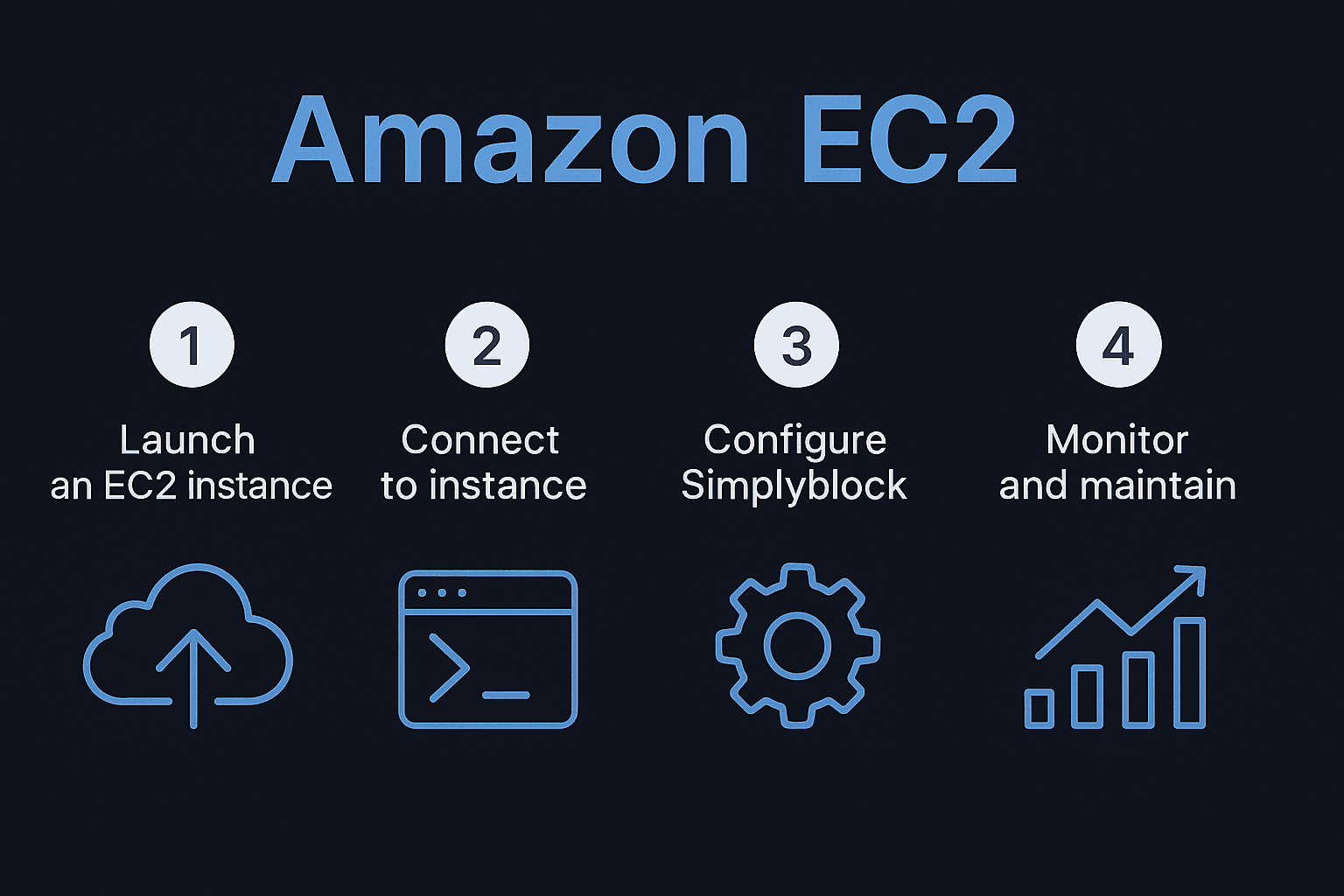
Step 4: Mount for Applications on EC2
Format and mount the new device, then point your apps at the mount path. Use your preferred filesystem and mount options based on workload patterns.
mkfs.ext4 /dev/nvme0n1
mkdir -p /mnt/data
mount /dev/nvme0n1 /mnt/data
At this point, your EC2 workload reads and writes through simplyblock with the attached storage underneath.
Step 5: Common Issues and Quick Fixes
If the device doesn’t appear, recheck lsblk on the instance and confirm the volume is attached to the correct AZ and instance. If sbctl volume connect completes but no device is visible on the client, re-run the returned connection command and confirm security groups allow the required ports between nodes.
When throughput looks low, compare iostat values to the configured EBS IOPS and throughput caps, and consider aggregating multiple volumes behind a single logical target for more bandwidth.
Step 6: Tuning for Throughput and Latency
For heavier I/O, use gp3 with provisioned IOPS and throughput or io2 for consistent latency, then stripe multiple devices behind one logical volume to widen bandwidth. Keep an eye on queue depth, CPU saturation, and interrupt balancing.
For sequential heavy writes, larger block sizes can help; for mixed small I/O, prioritize lower latency paths and make sure the instance class isn’t the bottleneck. Telemetry from simplyblock plus system tools like iostat, pidstat, and sar makes it easy to spot contention early.
Keeping EC2 + Simplyblock Healthy Over Time
Plan capacity growth and resize in place when needed to avoid downtime and keep performance predictable; use sbctl volume resize ec2-volume 200G to expand capacity without disruption.
Document change procedures, backup configs, and standardize runbooks so handoffs are smooth. If your estate spans regions or clouds, align this with a broader hybrid design so storage policies and monitoring stay consistent from edge to core.
Other supported platforms
If you’re running virtual machine or cloud compute workloads on Amazon EC2, Simplyblock also strengthens storage for:
Questions and Answers
Amazon EC2 provides scalable compute resources with flexible instance types, making it ideal for deploying storage platforms like simplyblock. Its elasticity allows organizations to scale up or down based on workload requirements while benefiting from AWS’s global infrastructure and integration with services like Amazon EBS.
Simplyblock leverages EC2’s compute flexibility to deliver high-performance storage with NVMe over TCP. By consolidating volumes and automating resource allocation, simplyblock reduces cost and complexity, ensuring efficient use of Amazon EC2 instances without sacrificing speed or reliability.
The best Amazon EC2 instance type for simplyblock depends on workload demands. Storage-heavy workloads often perform best with I/O-optimized or compute-optimized instances. Choosing instances with NVMe support ensures low-latency, high-throughput storage performance for databases, analytics, or Kubernetes environments.
Yes, simplyblock seamlessly integrates with Kubernetes when deployed on EC2. With NVMe-TCP Kubernetes storage, simplyblock enables persistent, high-speed volumes that scale dynamically, making EC2-hosted Kubernetes clusters more efficient and cost-optimized.
To set up simplyblock on Amazon EC2, deploy the platform on your preferred instance type, configure networking for NVMe over TCP, and attach EC2 storage volumes. Once integrated, simplyblock manages provisioning, encryption, and replication, streamlining operations while delivering enterprise-grade performance.