
CouchDB is known for its flexible document storage, sync capabilities, and master-master replication. But as your deployments scale, especially in multi-node or multi-AZ setups, storage quickly becomes a limiting factor. From compaction delays to replication lag, the underlying storage system plays a big role in how well CouchDB performs.
Simplyblock offers a modern alternative to traditional storage options, delivering low-latency, zone-independent volumes that scale with your application’s needs. It helps eliminate bottlenecks and enables true high availability for CouchDB environments.
CouchDB Achieves High Availability with simplyblock
CouchDB replicates data across nodes and data centers. This replication is durable, but when backed by storage that’s bound to zones or limited in throughput, delays and sync errors creep in.
With simplyblock, volumes aren’t tied to a single zone or device. They’re fast, flexible, and highly available — ensuring your CouchDB nodes can write and replicate without I/O bottlenecks. This setup fits well into software-defined storage strategies, where infrastructure needs to adapt quickly to distributed environments.
🚀 Keep CouchDB Fast and Flexible with Simplyblock
Avoid storage bottlenecks and build CouchDB clusters that scale cleanly across nodes and zones.
👉 See how simplyblock supports database performance optimization
Step 1: Create Simplyblock Volumes for CouchDB
Start by creating a pool and attaching a simplyblock volume to the node that will run CouchDB:
sbctl pool create couchdb-pool /dev/nvme0n1
sbctl volume add couchdb-volume 200G couchdb-pool
sbctl volume connect couchdb-volume
Then, format and mount the volume to the desired data directory:
mkfs.ext4 /dev/nvme0n1
mkdir -p /opt/couchdb/data
mount /dev/nvme0n1 /opt/couchdb/data
For full reference, visit the simplyblock documentation.
Step 2: Configure CouchDB to Use Simplyblock Storage
After mounting, point CouchDB to use the new data directory.
Open the local.ini configuration file and update:
[database_dir]
/opt/couchdb/data
[view_index_dir]
/opt/couchdb/data
Restart CouchDB to apply the changes. From now on, CouchDB will write its data directly to the simplyblock volume. For complete configuration reference, see the CouchDB Configuration Guide.
Step 3: Monitor Storage Health and CouchDB Logs
Use simplyblock’s CLI to monitor volume health and performance:
sbctl stats
Also, keep an eye on CouchDB logs to ensure there are no I/O delays or compaction issues. This setup supports better lifecycle management and ties in well with databases-as-a-service deployments where performance and control are critical.
Step 4: Resize CouchDB Volume Without Downtime
When data grows — especially with attachment-heavy workloads — resizing your volume is critical.
You can do this live with:
sbctl volume resize couchdb-volume 500G
resize2fs /dev/nvme0n1
This flexibility helps CouchDB scale as needed without reboots or downtime. It’s especially helpful for teams focused on optimizing Amazon EBS volumes cost by avoiding over-provisioning.
Step 5: Tune CouchDB for Better Performance
CouchDB’s performance is heavily influenced by disk I/O — especially during compaction. Use high-throughput EC2 instances with NVMe (such as Nitro-based types) to pair effectively with simplyblock.
Adjust CouchDB settings like max_dbs_open, revision_limit, and compaction thresholds based on workload. Tools like iostat, pidstat, and sbctl stats can help spot bottlenecks. For in-depth tuning tips, refer to CouchDB Performance Tips.
Ensuring Availability Across Zones with Simplyblock
CouchDB supports multi-node sync and replication, but its resilience can be limited by the underlying storage. When volumes are tied to specific zones or infrastructure, recovery and scaling become complicated.
Simplyblock removes those constraints by offering zone-independent volumes that replicate and failover across availability zones. This ensures your CouchDB cluster stays available during disruptions, and performance remains stable as the system grows. It directly supports reduction of RPO and RTO for teams that require consistent data availability without interruption.
Other supported platforms
If you’re running document-oriented or distributed NoSQL databases alongside CouchDB, Simplyblock also strengthens storage for:
Questions and Answers
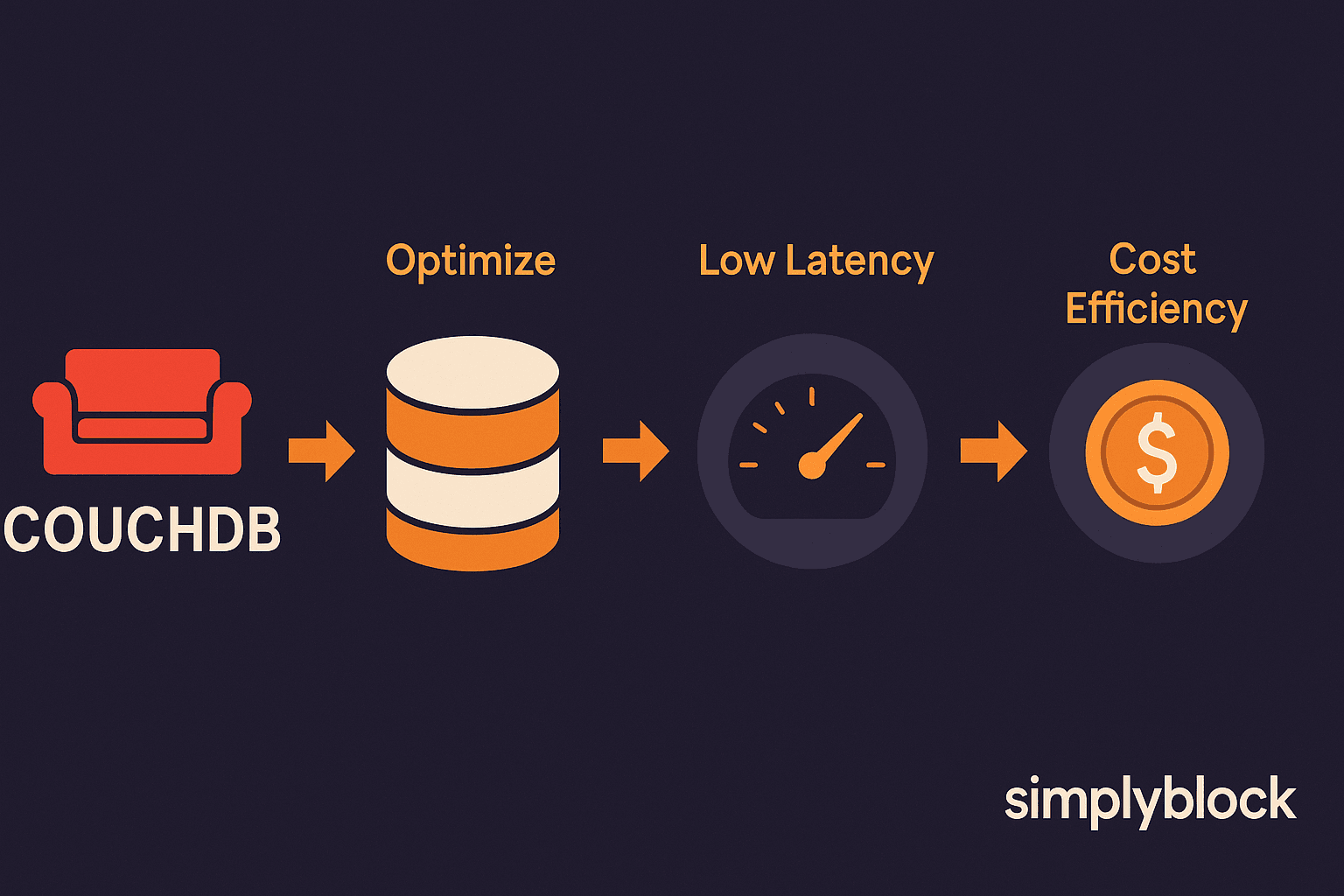
CouchDB relies on append-only storage for durability, which can slow down reads and writes under heavy workloads. Simplyblock NVMe over TCP storage reduces latency and increases IOPS, enabling CouchDB to handle high-concurrency operations efficiently while maintaining consistent performance.
Yes, CouchDB replication can be resource-intensive, especially for large databases. Simplyblock provides high-speed NVMe volumes that reduce replication lag, ensuring faster synchronization between master and replica nodes, and improving reliability for distributed CouchDB deployments.
Simplyblock allows CouchDB to scale seamlessly by dynamically provisioning high-performance NVMe storage as data grows. This removes the need for manual volume management and ensures consistent latency and throughput, even for clusters with rapidly increasing document counts.
Yes, simplyblock consolidates CouchDB volumes and implements tiered storage automatically. With Cloud Storage Cost Optimization, organizations can scale CouchDB storage efficiently while minimizing overprovisioning and reducing overall infrastructure costs.
To deploy CouchDB with simplyblock, attach NVMe over TCP volumes to each node or define a Kubernetes StorageClass for persistent volumes. Simplyblock manages high-performance storage, replication, and snapshots, ensuring CouchDB clusters meet performance goals reliably. For containerized deployments, you can also refer to Kubernetes Backups for guidance on persistent storage management and resilience.