
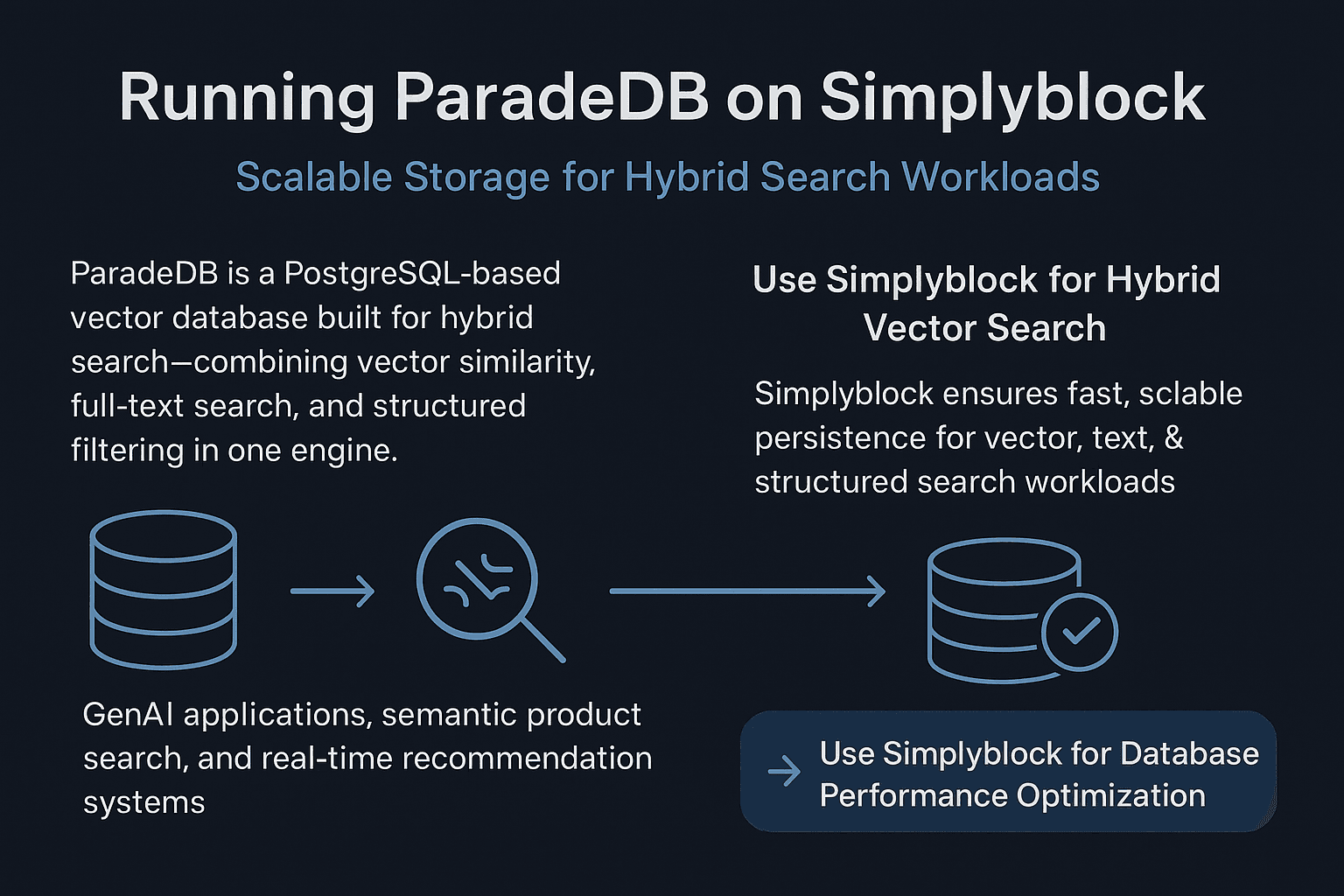
ParadeDB is a PostgreSQL-based vector database built for hybrid search—combining vector similarity, full-text search, and structured filtering in one engine. It’s ideal for GenAI applications, semantic product search, and real-time recommendation systems. But while the engine itself is designed for performance, the storage layer often becomes the limiting factor.
Hybrid search workloads are storage-intensive. Large embedding indexes, vector data, and full-text documents all demand low-latency, high-throughput storage. Simplyblock makes this easy with NVMe-over-TCP volumes, zone-independent access, and seamless scaling—giving ParadeDB the speed and reliability it needs in production.
🚀 Use simplyblock with ParadeDB for Hybrid Vector Search
Simplyblock ensures fast, scalable persistence for vector, text, & structured search workloads.
👉 Use simplyblock for Database Performance Optimization →
Why ParadeDB Needs Proper Storage
ParadeDB supports advanced indexing methods (like HNSW and FAISS), PostgreSQL extensions (like pgvector and parquet_fdw), and hybrid queries that combine multiple data types. While these features are powerful, they push traditional storage to its limits.
Embedding tables grows quickly. Full-text indexes generate large writes. Checkpoints and background processes demand steady disk I/O. If storage can’t keep up, query latency spikes, snapshots slow down, and data durability becomes a risk.
Simplyblock eliminates these problems by delivering consistent IOPS, low latency, and scalable volumes that support multi-zone deployment. It’s a great fit for ParadeDB, especially when running on Kubernetes or other cloud-native environments.
Step 1: Prepare Simplyblock Volume for ParadeDB
Start by provisioning the storage where ParadeDB will persist its data and logs:
sbctl pool create paradedb-pool /dev/nvme0n1
sbctl volume add paradedb-data 250G paradedb-pool
sbctl volume connect paradedb-data
Format and mount the volume:
mkfs.ext4 /dev/nvme0n1
mkdir -p /var/lib/postgresql/15/main
mount /dev/nvme0n1 /var/lib/postgresql/15/main
Make the mount persistent:
/dev/nvme0n1 /var/lib/postgresql/15/main ext4 defaults 0 0
All provisioning and connection tasks can be handled using the simplyblock CLI, built for fast, reliable automation.
Step 2: Configure ParadeDB to Use Simplyblock
Once mounted, you can configure PostgreSQL for ParadeDB and enable the required extensions.
In your postgresql.conf, preload extensions like:
shared_preload_libraries = ‘pgvector,parquet_fdw’
Then restart the PostgreSQL service:
sudo systemctl restart postgresql
Afterward, install and activate the extensions:
CREATE EXTENSION pgvector;
CREATE EXTENSION parquet_fdw;
Now you can define hybrid search tables:
CREATE TABLE items (
id SERIAL PRIMARY KEY,
description TEXT,
embedding VECTOR(1536)
);
The data—including embeddings, text fields, and indexes—will now be written to high-performance simplyblock volumes. For more on PostgreSQL extensions, refer to the official pgvector documentation.
Step 3: Scaling Storage Without Downtime
As your ParadeDB workload grows, you’ll need more space—for vectors, metadata, and text indexes. Simplyblock lets you scale volumes live without impacting uptime.
sbctl volume resize paradedb-data 500G
resize2fs /dev/nvme0n1
This scaling approach works especially well in Kubernetes-based database environments where pods auto-scale based on traffic or job size. Simplyblock ensures the storage layer scales with you.
Step 4: Zone-Independent Deployment for HA
ParadeDB is typically deployed in cloud-native or containerized environments. This means your workloads may be rescheduled across zones—or even across cloud regions. Traditional storage tied to a single zone can’t keep up.
Simplyblock volumes are zone-independent. That means you can move your ParadeDB pod across zones without losing storage access. This improves availability, supports multi-zone failover, and simplifies DR planning.
It’s a critical feature for high-performance search systems that can’t afford downtime.
Step 5: Replicating ParadeDB Data
ParadeDB offers database-level replication, but adding storage-level replication provides another layer of protection. With simplyblock, you can replicate volumes across zones:
sbctl volume replicate paradedb-data –zones=zone-a,zone-b
This protects your vector data and full-text indexes from infrastructure failures and helps enforce RTO/RPO requirements for critical applications. All replication tasks are handled through simplyblock’s operational management tooling, so you stay in control.
Scaling ParadeDB with Simplyblock
ParadeDB is powerful, but it relies on fast, consistent storage to perform under real-world workloads. Simplyblock delivers the speed and resilience it needs.
With NVMe-over-TCP, zone-independent volumes, and built-in replication, Simplyblock simplifies ParadeDB deployments at any scale. From hybrid search to GenAI, it ensures your database stays fast, durable, and easy to manage—without adding operational overhead.
Questions and Answers
You can deploy ParadeDB as a stateful workload on Kubernetes using simplyblock’s CSI driver. This ensures persistent NVMe-backed storage volumes that retain data across pod restarts or rescheduling. It’s ideal for hybrid search where vector indexes and structured data need consistent and durable storage.
Yes, Simplyblock offers native data-at-rest encryption using its CSI volumes. You can configure a unique key per ParadeDB volume, ensuring tenant-level isolation and security compliance. This is especially relevant for privacy-sensitive AI or recommendation workloads storing user embeddings.
With simplyblock, you can take instant snapshots of ParadeDB volumes without downtime. These copy-on-write snapshots enable fast backups, disaster recovery, and even test environment cloning — useful when fine-tuning vector indexes or experimenting with different ANN search parameters in ParadeDB.
Simplyblock leverages NVMe over TCP to boost ParadeDB performance with lower latency, higher IOPS, and better throughput compared to traditional block storage. This is critical for workloads mixing structured queries with vector similarity search, which are I/O-intensive and sensitive to disk latency.
Yes. Simplyblock’s software-defined storage lets you scale ParadeDB across nodes while maintaining fast access to shared NVMe-backed volumes. This enables ParadeDB to serve large-scale hybrid search use cases like semantic search engines or AI-powered document retrieval with consistent performance.