
TigerGraph is designed for organizations that need to analyze massive connected datasets in real time. Whether for fraud detection, recommendation engines, or supply chain analytics, TigerGraph’s parallel query engine can explore billions of relationships instantly. However, these queries place intense demands on storage.
High-volume writes, complex traversals, and heavy updates cause unpredictable I/O, leading to rising query latencies, slow backups, and replication issues on standard cloud storage. Simplyblock provides NVMe-over-TCP performance, zone-resilient volumes, and seamless scalability, ensuring TigerGraph remains fast and reliable at enterprise scale.
Graph Queries Put Unusual Stress on Storage
Relational databases tend to handle predictable read/write patterns. Graph queries, on the other hand, jump across billions of edges in parallel, creating irregular I/O patterns and sudden spikes in disk activity. If storage can’t respond quickly, TigerGraph queries lose their real-time advantage.
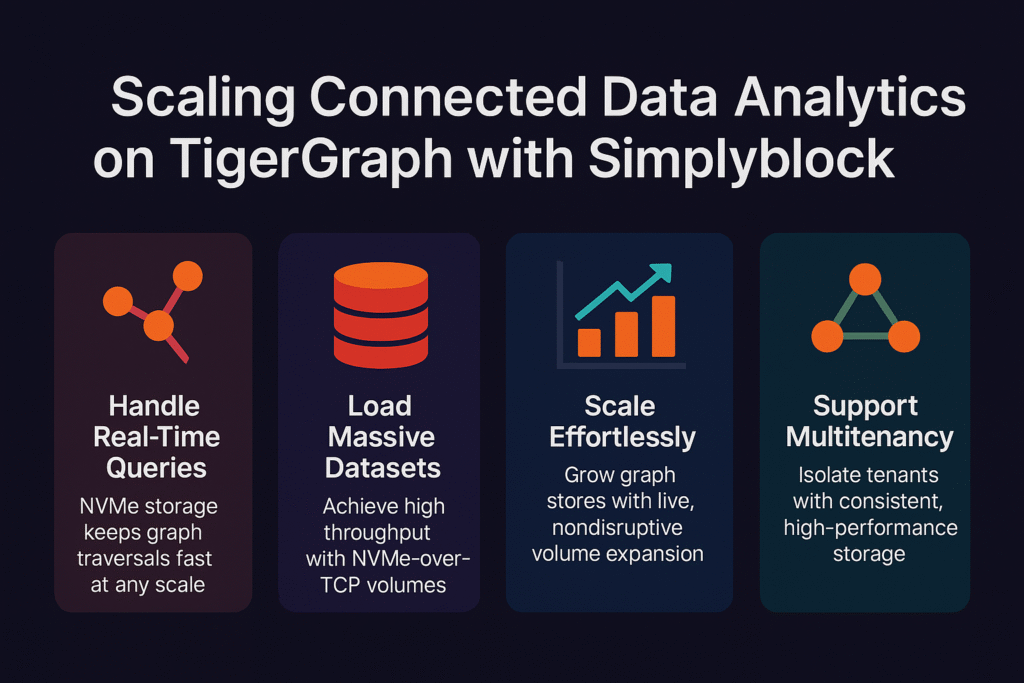
With simplyblock, graph traversals and updates run on NVMe-grade storage that delivers consistent throughput and low latency. This keeps query performance stable, no matter how large or connected the dataset becomes.
🚀 Use Simplyblock with TigerGraph for Real-Time Insights
Run complex graph analytics on storage designed for speed and resilience.
👉 Learn more about NVMe-over-TCP Storage with simplyblock →
Step 1: Provision Volumes for Graph Data
TigerGraph datasets grow with every node and edge added to the graph. Each segment in the system must read and write at high speed to keep queries efficient. With simplyblock, you can provision NVMe-over-TCP volumes for TigerGraph storage in minutes.
sbctl pool create –name tg-pool
sbctl volume create –pool tg-pool –size 500Gi –name tg-data
mkfs.ext4 /dev/simplyblock/tg-data
mount /dev/simplyblock/tg-data /var/lib/tigergraph/data
This ensures your cluster starts with the performance foundation needed for real-time graph analytics.
Step 2: Keep Writes and Updates Fast
TigerGraph supports massive data ingestion — think IoT data streams or financial transactions flowing in continuously. Every write must commit quickly and replicate without delay to keep the graph consistent. On slow volumes, ingestion bottlenecks make replication lag behind queries.
Simplyblock ensures WAL and transactional writes complete at NVMe speed, keeping ingestion pipelines responsive and analytics accurate.
Step 3: Run Analytics Without Backup Delays
Graph datasets are mission-critical, which means frequent backups are non-negotiable. But on traditional storage, backup jobs generate I/O contention, slowing down parallel queries and increasing latency for users.
Simplyblock’s high-throughput storage allows backups to run alongside analytics without disruption. This aligns with the simplification of data management, helping teams keep data safe without slowing production workloads.
For more information on backup and restore processes in TigerGraph, see the Backup and Restore guide.
Step 4: Scale Graph Storage Dynamically
Graph datasets rarely grow linearly — a single project or use case can add millions of nodes overnight. Static volumes can’t adapt, forcing disruptive migrations or downtime.
With simplyblock, you can expand volumes instantly while TigerGraph continues running queries.
sbctl volume resize –name tg-data –size 1Ti
resize2fs /dev/simplyblock/tg-data
This capability reflects the power of disaggregated storage, where compute and storage scale independently as data grows.
Step 5: Keep Analytics Resilient Across Zones
Mission-critical workloads like fraud detection or personalization must remain online even during rescheduling or failover events. Zone-locked storage breaks attachments when workloads shift, stalling queries and delaying insights.
Simplyblock provides zone-independent volumes that move seamlessly across environments. Combined with hybrid multi-cloud storage, this ensures TigerGraph deployments stay resilient across availability zones and clouds.
For more on managing replication and recovery in a high-availability TigerGraph cluster, refer to the CRR Index documentation.
Storage for TigerGraph Real-Time Performance
TigerGraph’s native parallel engine is built to deliver real-time insights on the most complex connected data. But without storage that can handle unpredictable queries, high ingestion rates, and distributed workloads, its potential is limited.
Simplyblock brings NVMe-over-TCP performance, live scalability, and zone-resilient durability to TigerGraph clusters — ensuring analytics run smoothly, backups don’t interfere, and insights arrive on time.
Questions and Answers
Simplyblock advances TigerGraph’s connected data queries by providing high-performance NVMe storage. This ensures graph traversals run faster, enabling analytics at scale with predictable latency and throughput for complex relationship-driven workloads.
TigerGraph queries often span billions of relationships, demanding ultra-fast data access. Simplyblock ensures this with optimized database performance, eliminating storage bottlenecks and keeping analytics consistent under heavy workloads across enterprise graph datasets.
Yes. With databases as a service, simplyblock enables TigerGraph to run seamlessly in Kubernetes. Dynamic provisioning, replication, and NVMe-level storage ensure low-latency analytics for distributed graph workloads in multi-cloud environments.
Simplyblock strengthens TigerGraph’s consistency with replication and failover. Graph queries remain predictable even during failures, ensuring analytics workloads maintain availability while preventing data loss or inconsistencies across massive, highly connected datasets.
Yes. Simplyblock provides cloud storage efficiency, outperforming native disks with NVMe-class performance. For TigerGraph, this means faster queries, reduced costs, and scalable connected data analytics without noisy neighbor issues or unpredictable throttling.