Kubernetes Volume Expansion
Terms related to simplyblock
Kubernetes Volume Expansion lets you increase an existing PersistentVolumeClaim (PVC) size so the backing volume grows without rebuilding the workload. Platform teams rely on it to keep stateful services online while capacity needs change, and to avoid disruptive migrations when data grows faster than forecasts. Expansion usually includes a backend resize step and a node-side filesystem resize step, which means your storage stack and CSI implementation directly shape how smooth the operation feels.
Hardening Kubernetes Volume Expansion for Production Environments
Kubernetes Volume Expansion becomes dependable when you standardize the workflow and remove surprises in mixed clusters. A production approach defines which storage classes support expansion, how operators verify completion, and how teams handle cases where filesystem growth requires a remount or a restart.
Capacity growth should not turn into a performance event. If your backend triggers rebalancing, allocation reshaping, or throttling during resize, the platform should expose that behavior so SREs can schedule large expansions during lower-traffic windows. Treat expansion as a one-way action in Kubernetes operations, and use policies to prevent oversized, last-minute jumps that create long-running backend work.
🚀 Expand Kubernetes Volumes Without Downtime
Use Simplyblock to grow NVMe/TCP volumes fast and keep latency predictable at scale.
👉 Use Simplyblock for Kubernetes Volume Expansion →
Kubernetes Volume Expansion Within Kubernetes Storage Operations
Kubernetes Storage turns expansion into a platform feature only when the CSI driver and backend behave consistently under load. The control plane records the new claim size, the storage controller expands capacity, and the node grows the filesystem so the extra space becomes usable. When these steps align, teams can scale volumes without changing application manifests beyond the PVC request.
Most real-world issues come from inconsistent expectations. One storage class may expand online, while another finishes only after a restart. One backend may allocate quickly, while another performs background placement work that competes with application I/O. Standardize expansion-capable storage classes for tier-1 services, and document what “done” means for each class, including the signals operators should check.
Why NVMe/TCP Impacts Kubernetes Volume Expansion Behavior
NVMe/TCP helps keep Kubernetes Volume Expansion predictable because it delivers NVMe-oF semantics over standard Ethernet, which reduces operational complexity in the network. During an expansion, applications often keep writing. Transport efficiency, CPU overhead, and the storage datapath determine whether that resize window shows up as tail-latency jitter.
A consistent NVMe/TCP approach also reduces “special case” infrastructure. When the platform uses the same transport across clusters, operators can standardize runbooks, capacity policies, and performance expectations, even as they scale Kubernetes Storage across environments.
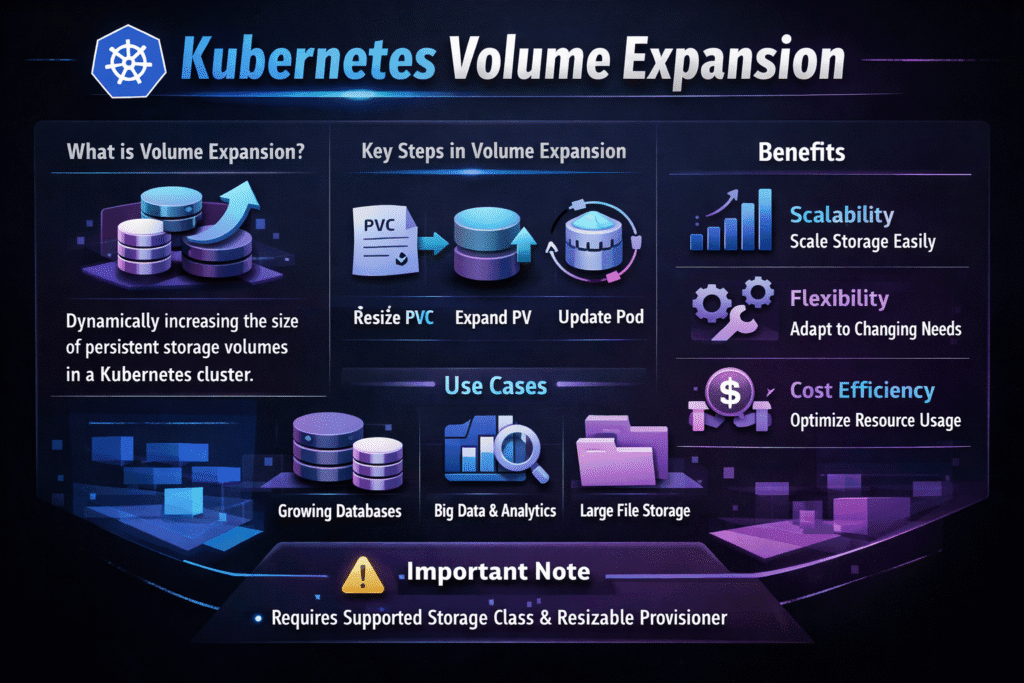
Benchmarking Kubernetes Volume Expansion Under Real Load
Measure Kubernetes Volume Expansion as an operational event that overlaps with live traffic. The key question is not only whether the volume grew, but whether application latency stayed stable during the resize window.
Track elapsed time from the PVC size change to the point where the filesystem reflects the new capacity. Collect application p95 and p99 latency, error rates, and retry spikes during that window. Pair those signals with storage-layer indicators such as throttling, queue depth, and background activity. Then run a baseline I/O test and repeat it during expansion using the same access pattern, block size, and read/write mix. That method exposes whether resize work competes with foreground I/O.
Methods That Improve Kubernetes Volume Expansion Performance
Utilize these strategies to minimize risk and maintain stable latency during capacity expansion.
- Standardize on expansion-capable storage classes for tier-1 workloads, and document whether expansion finishes online or needs a remount.
- Enforce guardrails with quotas and approval thresholds so a single change cannot trigger prolonged backend work.
- Apply multi-tenant QoS so expansion activity in one namespace cannot steal IOPS or bandwidth from other workloads.
- Schedule large expansions during lower-traffic windows when the backend may perform allocation or placement tasks.
- Validate expansion under load with representative I/O patterns, then automate verification steps as part of platform operations.
Expansion Behavior Across Storage Backends
The table below compares how common storage approaches typically behave during volume expansion, with a focus on operational effort and performance stability.
| Approach | Online expansion typical | Resize completion behavior | Performance stability during resize | Operator effort |
|---|---|---|---|---|
| Cloud CSI block volumes | Often | Usually automated, sometimes staged | Variable by volume type and tier | Medium |
| Legacy SAN-style storage | Sometimes | May require coordination and maintenance windows | More consistent when the datapath stays efficient | High |
| Software-defined block storage over NVMe/TCP | Often | Designed for automation and repeatability | More consistent when datapath stays efficient | Low to medium |
| Manual migration to a new volume | Not expansion | Requires copy and cutover | High disruption risk | High |
Kubernetes Volume Expansion Outcomes with Simplyblock™
Simplyblock™ supports Kubernetes Storage with Software-defined Block Storage designed for repeatable operations and high performance. For Kubernetes Volume Expansion, that means teams can treat capacity growth as a routine change, rather than a maintenance event that threatens latency targets.
Simplyblock uses an SPDK-based, user-space, zero-copy-oriented architecture that reduces CPU overhead in the data path. That efficiency helps when the platform performs operational tasks while applications continue issuing I/O. Combined with NVMe/TCP support, simplyblock fits hyper-converged and disaggregated deployments, and it supports multi-tenancy and QoS controls so expansion events do not destabilize shared clusters.
Kubernetes Volume Expansion – What to Expect Next
Kubernetes ecosystems continue to improve resize lifecycle reliability by strengthening CSI signaling, improving node-side observability, and reducing edge-case failures around filesystem growth. Expect better event signals that teams can convert into SLO-style alerts, plus clearer operational states for expansion progress.
Storage backends will also keep pushing toward lower-jitter operational behavior. As more platforms adopt SPDK-style user-space paths and NVMe-oF transports like NVMe/TCP, routine capacity changes should create fewer avoidable tail-latency spikes.
Related Terms
Teams review these pages with Kubernetes Volume Expansion to standardize Kubernetes Storage on NVMe/TCP and Software-defined Block Storage.
Questions and Answers
Volume expansion allows you to increase the size of PersistentVolumes (PVs) without downtime. When enabled via the StorageClass (allowVolumeExpansion: true), Kubernetes triggers a resize through the CSI driver. Simplyblock supports online volume resizing with no pod restarts for supported filesystems.
Block storage volumes provisioned by CSI drivers typically support expansion. For instance, ext4 and xfs file systems can be resized without unmounting. To leverage this with high-throughput block volumes, ensure your driver implements ControllerExpandVolume.
Yes, if the CSI driver supports online expansion and the file system allows it. The PVC is edited with a new size, and the resize is handled in-place. This is crucial for zero-downtime upgrades in production environments like databases and message queues.
No. You only need to ensure the allowVolumeExpansion field is set in the StorageClass when the volume is provisioned. Expansion is triggered by modifying the PVC. For secure environments, combine this with RBAC restrictions to limit who can resize volumes.
Expanding volumes increases backend storage usage, which may affect cloud billing or capacity quotas. Simplyblock helps track usage across expanded volumes via cost-optimized storage management, ensuring teams only scale what’s needed.