Fio NVMe over TCP Benchmarking
Terms related to simplyblock
Fio NVMe over TCP Benchmarking uses fio (Flexible I/O Tester) to measure how an application host performs when it reads and writes to remote NVMe namespaces over Ethernet using NVMe/TCP. Teams rely on it to validate whether a storage platform can deliver the latency, throughput, and tail behavior required for Kubernetes Storage and other scale-out environments.
This style of testing matters because it exercises the full I/O path, including CPU scheduling, the TCP/IP stack, the NVMe-oF target, and the underlying media. For executives, it provides hard numbers that map to risk: how much headroom exists, how predictable p99 latency stays during load, and how many nodes a cluster can add before jitter becomes a cost driver. For DevOps and IT Ops, it provides repeatable job files that can run in CI to detect regressions after kernel, NIC, or storage changes.
Modern platforms that reduce variance in Fio NVMe over TCP Benchmarking
Benchmark variance often comes from CPU contention, inconsistent networking, and storage-side rebuild activity. A modern Software-defined Block Storage layer reduces that variance by enforcing QoS, isolating tenants, and keeping the fast path efficient.
SPDK-based user-space I/O can also help because it avoids extra kernel overhead and reduces context switching under high IOPS, which improves CPU efficiency and can tighten tail latency. That matters when the same cluster runs databases, analytics, and background jobs at the same time.
🚀 Get Benchmark Proof for NVMe/TCP, Not Assumptions
Use simplyblock benchmark data to validate IOPS, throughput, and tail latency under load.
👉 Download the Simplyblock Performance Benchmark →
How Fio NVMe over TCP Benchmarking fits Kubernetes Storage workflows
In Kubernetes, fio commonly runs in a dedicated namespace as a privileged pod (or a purpose-built benchmark job) that mounts a PVC, so the test reflects what workloads actually experience. Your StorageClass parameters, CSI behavior, and node topology can change results, so you should capture that metadata along with the fio output.
Run tests in three tiers: a single pod on one node for a clean baseline, a multi-pod test on one node to observe local contention, and a multi-node test to surface cross-node effects in Kubernetes Storage. If you compare results across platforms, keep the same fio job file, the same container image, and the same CPU and NUMA pinning approach.
What NVMe/TCP changes in the Fio NVMe over TCP Benchmarking data path
NVMe/TCP runs NVMe-oF over standard TCP/IP, which makes it practical for broad deployment on commodity Ethernet. That convenience also means fio results reflect network stack behavior and CPU efficiency more than RDMA-based transports.
If you want clean comparisons, stabilize the environment before you run: lock NIC speed, confirm MTU, keep routing consistent, and avoid background traffic. Then vary one knob at a time (block size, iodepth, numjobs, read/write mix). When p99 latency moves, you can usually trace it to CPU saturation, interrupt handling, or noisy neighbors rather than the NVMe media itself.
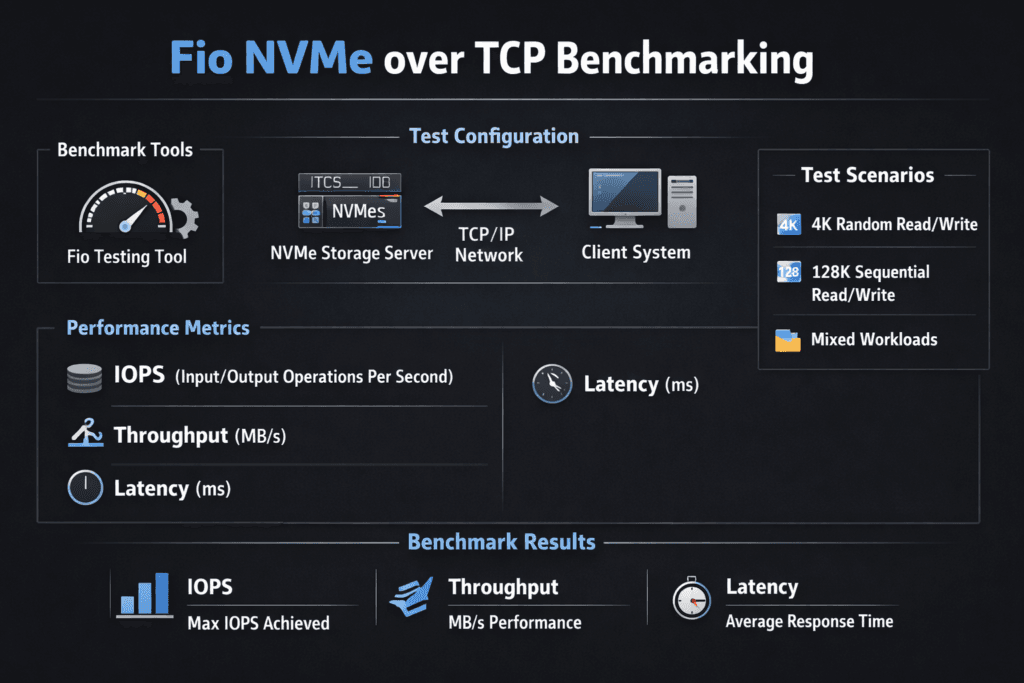
Reading fio output like an SLO report (IOPS, bandwidth, and tail latency)
Fio generates many metrics, but most teams make decisions with a short set that maps to service objectives. Use the same warm-up window and the same runtime across every run, then compare both the mean and the tails.
- IOPS for small-block random workloads (often 4K)
- Throughput for large-block sequential workloads (often 128K)
- Average latency to estimate steady-state responsiveness
- p95/p99 latency to quantify jitter and user-facing risk
- CPU per GB/s to expose protocol overhead and efficiency
Keep notes on block size, queue depth, number of jobs, and whether you tested reads, writes, or mixed patterns. Those details often matter more than the final IOPS number when you review results with stakeholders.
Operational tuning for cleaner Fio signals and stable test runs
Start with CPU and topology. Pin fio workers to a CPU set and align them with the NIC’s NUMA domain. Keep the host power profile consistent, and avoid running tests while the cluster performs large resync or rebuild work.
Next, tune concurrency with intent. Too little queue depth underutilizes the storage path. Too much queue depth inflates tail latency and masks real application behavior. When you aim for production realism, set iodepth and numjobs to match your workload class, not a synthetic “max IOPS” goal.
Finally, keep the storage layer predictable. Multi-tenant clusters benefit from QoS controls and resource isolation that keep one noisy workload from distorting the whole benchmark.
How common NVMe-oF options compare in real test environments
The table below summarizes typical trade-offs teams observe when they run benchmarks for cloud-native storage. Your absolute numbers will vary by NICs, CPUs, and media, but the operational profile is usually consistent.
| Option | Best Fit | Typical Behavior Under fio | Operational Notes |
|---|---|---|---|
| iSCSI over Ethernet | Legacy SAN replacement | Higher latency, lower CPU efficiency | Widely supported, but less NVMe-like |
| NVMe/TCP over Ethernet | Broad Kubernetes Storage use | Strong throughput with practical ops | Standard networking, easier rollout |
| NVMe/RDMA (RoCE/InfiniBand) | Latency-critical tiers | Lowest latency and tighter tails | Higher fabric complexity |
| SPDK-accelerated Software-defined Block Storage | Scale-out NVMe-oF | High IOPS with better CPU efficiency | Strong fit for multi-tenant clusters |
How Simplyblock™ keeps multi-tenant storage performance consistent
Simplyblock™ targets predictable results by pairing an efficient data path with storage-side controls that matter in production: multi-tenancy, QoS, and flexible deployment modes. Simplyblock also supports NVMe/TCP and uses SPDK concepts to reduce overhead in the fast path, which can help keep CPU impact lower as concurrency rises.
Teams typically validate simplyblock with the same workflow they already use for storage due diligence: run fio in Kubernetes against PVC-backed volumes, scale tests across nodes, and track p99 latency as you increase concurrency. When the platform holds tail latency targets while scaling IOPS and throughput, it becomes easier to set cluster capacity plans and enforce internal SLOs for stateful services.
What’s next for NVMe/TCP validation in cloud-native infrastructure
Fio benchmarking is moving toward more production-faithful testing: coordinated multi-node runs, topology-aware job placement, and p99-first reporting. Infrastructure offloads will also shape the path ahead. DPUs and IPUs can move parts of networking and storage processing off the host CPU, which can change both throughput ceilings and tail behavior.
Policy-driven performance controls are becoming equally important. As Kubernetes Storage becomes the default platform for stateful workloads, teams want predictable behavior across tenants and namespaces. That pushes platforms toward stronger isolation, clearer observability, and automated performance regression testing that fits CI pipelines.
Related Terms
These glossary terms support Fio NVMe over TCP Benchmarking in Kubernetes environments.
Questions and Answers
To benchmark NVMe over TCP with Fio, configure it to target a mounted NVMe/TCP block device using libaio, direct I/O, and tuned queue depths. This setup simulates real-world performance under various read/write workloads and concurrency levels.
Use I/O engines like io_uring or libaio, set iodepth between 32–128, and test with both sequential (rw=read/write) and random (rw=randread/randwrite) patterns. Block sizes of 4K and 128K are commonly used to reflect typical workload profiles.
Fio benchmarks typically show NVMe over TCP outperforming iSCSI in both latency and IOPS—often by 30–50% depending on hardware and tuning. NVMe’s parallelism and efficient queuing give it an edge, especially under high load.
Tuning kernel parameters like rmem_max, wmem_max, and enabling multi-queue block I/O (mq-deadline) can boost results. CPU pinning and NUMA-aware configurations further reduce latency during performance benchmarking.
Simplyblock volumes are compatible with Fio testing and optimized for benchmarking NVMe over TCP. Users can evaluate throughput, latency, and queue behavior under real conditions to validate performance before production deployment.