NVMe Queue Depth Tuning
Terms related to simplyblock
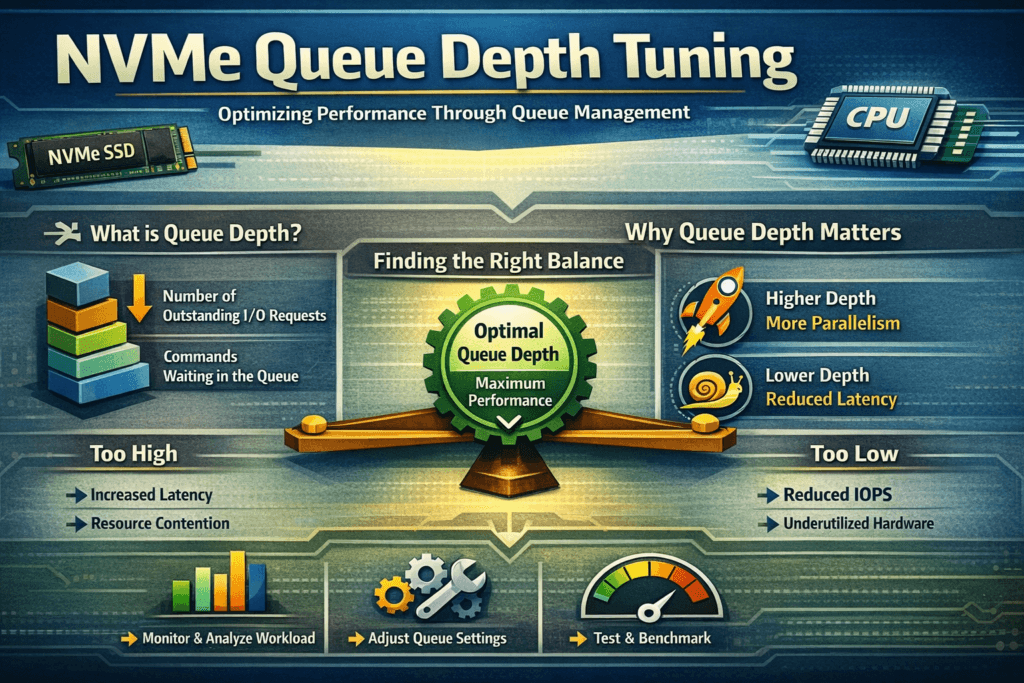
NVMe Queue Depth Tuning sets how many I/O commands stay “in flight” per NVMe queue, so the stack keeps devices busy without turning bursts into queueing delay. NVMe processes work through submission queues and completion queues, and queue depth controls how much parallel work the host pipelines at once.
Queue depth shifts two outcomes at the same time: throughput and tail latency. A low depth can tighten p95 and p99 latency, but it can underutilize fast media. A high depth can raise IOPS, yet it can also add jitter once CPU, interrupts, lock contention, or the fabric becomes the limiter. In Kubernetes Storage and Software-defined Block Storage, queue depth tuning becomes an end-to-end decision because more components sit in the critical path.
Queueing mechanics inside today’s NVMe stacks
Linux I/O behavior depends on your application concurrency, the multi-queue block layer, NUMA placement, and the NVMe driver. Each layer can introduce buffering, and the combined effect can create “hidden queues” that inflate tail latency under bursts.
User-space designs change the tuning profile. When the data path avoids extra context switches and reduces kernel overhead, the system can often sustain the same throughput at a lower effective depth. That shift matters most when you chase predictable p99 targets across a fleet, not a single-node benchmark.
🚀 Tune NVMe Queue Depth for predictable p99 latency in Kubernetes
Use Simplyblock to reduce queueing jitter and enforce QoS in Kubernetes Storage at scale.
👉 Use Simplyblock for Kubernetes Storage →
NVMe Queue Depth Tuning in Kubernetes Storage
Kubernetes introduces variability that traditional host tuning misses. Pod placement changes over time, background activity spikes unpredictably, and noisy neighbors compete for CPU. When multiple pods flush, compact, or checkpoint together, a deep queue can mask early saturation, then produce sharp p99 spikes when the node hits a CPU ceiling.
Treat queue depth as a policy tied to workload intent. Latency-sensitive databases typically benefit from moderate depth, stable concurrency, and strict isolation. Throughput-heavy pipelines can use deeper queues, but they still need guardrails so one namespace does not dominate in-flight capacity. Multi-tenancy and QoS matter because queue depth is a shared resource in Kubernetes Storage, even when each workload runs in its own namespace.
NVMe Queue Depth Tuning and NVMe/TCP
NVMe/TCP pushes queue depth decisions into the transport and CPU domain. The host now pays for TCP processing, packet scheduling, and buffer management on top of NVMe command handling. Moderate queue depth often scales well on Ethernet. Excessive depth can raise CPU cost per second and amplify jitter during microbursts, retransmits, or congestion.
Watch for the classic warning sign: IOPS stops scaling while p99 latency climbs quickly. At that point, deeper queues only store more work in the system. For NVMe/TCP, you usually get better results by keeping depth within the efficient range, then scaling out initiators, adding paths, or improving per-core efficiency instead of piling on more in-flight commands.
NVMe Queue Depth Tuning performance testing and baseline creation
Queue depth tuning needs latency distributions, not averages. Use repeatable tests that match production block sizes, read/write mix, and concurrency. Tools like fio help because they let you control iodepth, job count, and runtime precisely.
Run a sweep and record IOPS, bandwidth, CPU utilization, and p50, p95, and p99 latency. Look for inflection points:
- If IOPS rises and p99 stays flat, you still have headroom.
- If IOPS rise slowly but p99 accelerates, you crossed the efficient depth.
- If IOPS stays flat across multiple depths, another bottleneck already controls the path, often CPU, NIC settings, or target processing.
In Kubernetes, repeat tests on multiple nodes and at different cluster states. The scheduler and background work can change results even when your workload stays constant.
Practical methods to reduce p99 without sacrificing throughput
Most teams get the best outcome by tuning the whole I/O pipeline instead of pushing depth to extremes. Use this single checklist as your starting point:
- Match application concurrency to the storage path first, then adjust iodepth in small steps.
- Keep CPU headroom visible on initiators and targets, because depth often shifts the bottleneck to compute.
- Prioritize p99 latency for databases, even when peak IOPS looks attractive.
- Apply per-tenant QoS so one workload cannot monopolize in-flight capacity.
- Prefer efficient user-space NVMe-oF targets when you need higher performance per core and steadier tail latency.
Choosing the right depth range by workload type
Queue depth choices look straightforward, yet they behave differently based on workload goals and where saturation occurs. The table below summarizes the trade-offs teams most often see in production.
| Operating goal | Queue depth bias | What improves | What can get worse |
|---|---|---|---|
| Tight p99 latency | Low (often 1–16) | Predictable commits and reads | Lower peak throughput |
| Peak IOPS and bandwidth | Higher (often 32–256+) | Better device utilization | Queueing delay and jitter |
| Multi-tenant Kubernetes clusters | Moderate + QoS | Fairness and stability | Requires policy and monitoring |
| NVMe/TCP over Ethernet | Moderate + CPU checks | Scaling on standard networks | Host CPU and TCP overhead |
Consistent latency with Simplyblock™ under real cluster load
Simplyblock™ targets predictable performance by controlling queueing across the full pipeline in Kubernetes Storage environments. Simplyblock uses an SPDK-based, user-space data path designed to reduce kernel overhead and context switching, which helps keep CPU usage efficient as concurrency rises.
For NVMe/TCP, the CPU often becomes the hidden limiter long before fast NVMe media runs out of capability. Simplyblock focuses on efficient data-plane processing, plus multi-tenancy and QoS, so one workload cannot inflate in-flight depth and degrade neighbors. That combination helps operators hold p99 targets without fragile per-node tuning.
What’s next for queueing control and adaptive tuning
Queue depth tuning is moving from static settings to feedback control. Teams increasingly rely on telemetry-driven policies that adapt concurrency to latency SLOs under changing load. Infrastructure offload also changes the math. DPUs and IPUs can shift network and storage work away from host CPUs, which can expand the efficient depth range or let you keep depth lower while sustaining throughput.
As NVMe-oF adoption grows, more organizations will standardize queue depth targets per workload class, then enforce those targets through platform policy. That model fits Kubernetes well because it reduces ad hoc tuning and makes performance behavior easier to predict across fleets.
Related Terms
Teams often pair these pages with NVMe Queue Depth Tuning.
- Fio Queue Depth Tuning for NVMe
- Fio NVMe over TCP Benchmarking
- NVMe Partitioning
- Storage Network Bottlenecks in Distributed Storage
Questions and Answers
Queue depth tuning isn’t just “set iodepth higher.” Effective concurrency is bounded by the submission/completion queue sizes, CPU ability to post/completion-process entries, and interrupt/polling behavior. If iodepth exceeds what the SQ/CQ pipeline can service, you create host-side queuing and inflate tail latency. Validate with p99 latency, completions/sec, and CPU saturation, not IOPS alone.
iodepth raises outstanding I/O per job, while numjobs raises parallel submitters and can change CPU scheduling and lock contention. Many workloads scale better with modest iodepth and more jobs until CPU becomes the limiter. Treat them as different levers: iodepth stresses device queues; numjobs stresses host submission/completion paths and thread contention.
Sweep queue depth in small steps and plot throughput vs p95/p99 latency. The knee is where throughput gains flatten but latency accelerates due to queuing. Use steady-state runs long enough to capture tail behavior and background activity. If the knee shifts between runs, you’re likely measuring CPU/IRQ noise or cache effects instead of the device limit.
Yes—NVMe/TCP adds network and target-side processing, so too much depth can amplify in-flight buffering and tail latency. You often want lower per-connection depth with more parallelism (connections/queues) to avoid single-queue head-of-line blocking. If you’re benchmarking over fabrics, treat network RTT and target CPU as first-class constraints, not just the SSD. See NVMe-oF for the transport context.
Common indicators include rising p99 latency with flat throughput, high softirq or kworker time, and completion batching effects that increase jitter. Also watch for deep device queues while application latency worsens—this usually means you’re converting service time into waiting time. For interpretation, align your tuning with NVMe latency and overall NVMe performance tuning guidance.