Block Storage for Stateful Kubernetes Workloads
Terms related to simplyblock
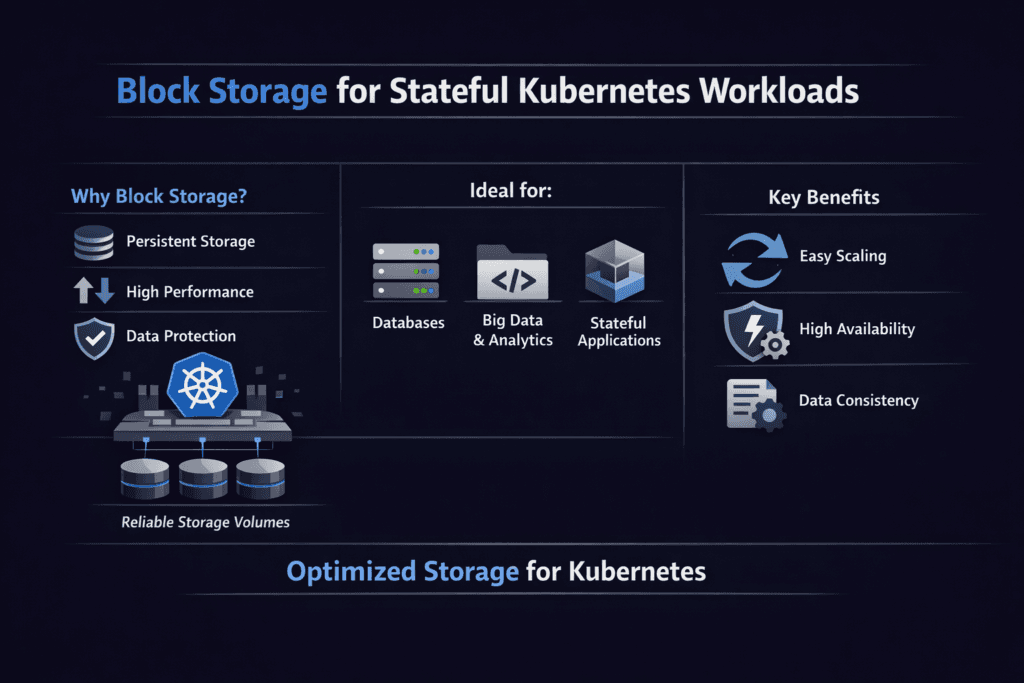
Block Storage for Stateful Kubernetes Workloads gives pods a durable block device that keeps data safe during reschedules, node drains, and restarts. Teams pick it for databases, queues, and search services because those apps demand fast random I/O and steady latency.
Storage gaps show up fast in stateful systems. Latency spikes stall commits and queries. Noisy neighbors add jitter and missed SLOs. Slow recovery stretches RTO and blocks releases. A solid Kubernetes Storage design keeps I/O steady, protects data, and helps teams ship changes with less risk.
Kubernetes also changes how storage behaves. Nodes come and go. Workloads scale in bursts. Multiple teams share the same cluster. This mix favors Software-defined Block Storage that applies policy, limits noisy neighbors, and keeps behavior consistent.
What stateful teams need from Kubernetes block volumes
Stateful platforms care about a short set of needs that map to business risk. They need stable write latency, predictable p99 behavior, and clear recovery paths. They also need smooth day-2 work, such as expansion, snapshots, clones, and safe upgrades.
Access rules matter as well. Many apps expect one writer per volume. Some services use shared reads. Your volume mode and access mode choices shape safe scaling, rollout speed, and recovery time.
🚀 Run Stateful Workloads on NVMe/TCP Block Storage in Kubernetes
Use Simplyblock to cut storage latency spikes and keep scaling predictable.
👉 Use Simplyblock for NVMe/TCP Kubernetes Storage →
Block Storage for Stateful Kubernetes Workloads and CSI behavior
Block Storage for Stateful Kubernetes Workloads relies on CSI to turn StorageClass policy into real volumes. CSI provisions volumes, attaches them to the right nodes, and tracks lifecycle events as pods move.
CSI also affects rollout and recovery time. Attach speed shapes how fast a StatefulSet can come back after a node drain. Topology rules shape where pods can land. Snapshot and clone support shape how teams handle upgrades and test data.
When you compare platforms, focus on the day-2 path. Ask how the system handles expansion, snapshots, and node failure during peak load. These common events define your steady-state ops burden.
Block Storage for Stateful Kubernetes Workloads on NVMe/TCP networks
Block Storage for Stateful Kubernetes Workloads often benefits from NVMe-class transports because many stateful apps push small, random I/O at high rates. NVMe/TCP delivers NVMe-oF over standard Ethernet, so teams can build shared block storage without special fabrics.
This setup rewards efficiency. TCP uses host CPU cycles, so the storage fast path must stay lean. SPDK-style user-space I/O reduces copies and context switches, which can tighten tail latency when the cluster runs hot.
Choosing between hyper-converged and disaggregated layouts
Kubernetes teams usually choose one of three layouts. Hyper-converged runs storage and compute on the same nodes. Disaggregated keeps them separate. Hybrid mixes both.
Hyper-converged can reduce hops for some reads and keep wiring simple. Disaggregation improves utilization when storage grows faster than CPU, and it can ease placement during node drains. Hybrid supports “fit by tier,” which helps when one cluster runs many stateful services with different I/O needs.
Measuring Block Storage for Stateful Kubernetes Workloads performance
Block Storage for Stateful Kubernetes Workloads needs tests that match real usage. Run benchmarks through real PVCs so the path matches production. Increase concurrency until you hit your p99 target. Repeat runs to measure variance, not just the best score.
Keep one set of measures across every test run:
- IOPS, bandwidth, and average latency
- p95 and p99 latency
- CPU per GB/s
- Rebuild impact while serving I/O
Treat the results as a risk signal. A platform can post a strong peak number yet still show wide p99 swings. Those swings drive overprovisioning and create incident load.
Practical tuning that improves results without hiding issues
Start with placement. Spread replicas across failure domains. Avoid stacking high-write pods on the same node. Use requests and limits so background jobs do not steal CPU from the I/O path.
Next, clean up traffic patterns. Separate storage traffic from noisy east-west chatter when you can. Keep the network free of surprise bottlenecks. A simple, non-blocking path beats clever routing.
Then tune concurrency with intent. Low queue depth underuses the fabric. Very high queue depth inflates tail latency and hides app-like behavior. Match settings to the workload class, and watch CPU headroom while you test.
Comparison table for common Kubernetes block storage approaches
The table below compares common options for stateful clusters. Use it to frame trade-offs before you shortlist vendors.
| Approach | Typical Strength | Common Pain Point | Best Fit |
|---|---|---|---|
| Cloud block volumes | Fast start, managed infra | Cost and limits at scale | Small to mid clusters, fast pilots |
| Ceph RBD | Mature scale-out storage | Heavier ops, tuning effort | Teams with Ceph skills and time |
| Longhorn-style local replication | Simple install path | Node tie-in, performance variance | Smaller clusters, edge, dev |
| Commercial CSI suites | Broad features | Cost and vendor lock | Large orgs with standard stacks |
| NVMe/TCP Software-defined Block Storage | High performance on Ethernet | Needs CPU-aware design | High I/O stateful fleets |
Block Storage for Stateful Kubernetes Workloads with Simplyblock™
Block Storage for Stateful Kubernetes Workloads becomes easier when the storage layer aligns with Kubernetes ops and high I/O requirements. Simplyblock™ centers its platform on NVMe/TCP, Kubernetes Storage, and Software-defined Block Storage, with an SPDK-based fast path to improve CPU efficiency.
This mix helps in three common cases. Teams run multi-tenant clusters with strict p99 targets. Platform groups scale database fleets and need repeatable behavior across nodes. Ops teams want a SAN-like block experience while they keep Ethernet and automate everything through CSI.
Where stateful Kubernetes block storage is going next
Platform teams now treat storage as an API with clear limits. They want per-volume QoS, better health signals, and safe automation for upgrades. They also test with p99-first targets and multi-node runs that match real fan-out.
Hardware trends will shape results as well. DPUs and IPUs can offload parts of the data path, freeing CPU for apps. As that hardware spreads, vendors will need to prove stable tails, not just peak charts.rts.
Related Terms
Quick glossary terms that help with block storage decisions for stateful Kubernetes apps.
- Block Storage CSI
- AccessModes in Kubernetes Storage
- Local Node Affinity
- Stateful Application in Kubernetes
Questions and Answers
Block storage offers consistent performance, low latency, and fine-grained control over data placement—making it ideal for databases, queues, and caches. Simplyblock provides high-performance NVMe over TCP volumes that are dynamically provisioned for stateful workloads.
Stateful applications require features like replication, snapshots, encryption, and high IOPS. Simplyblock’s CSI-integrated platform supports Kubernetes stateful workloads with all these capabilities, ensuring data durability and performance under load.
Block storage provides direct device-level access, which is better suited for latency-sensitive databases. File storage introduces overhead through filesystem abstraction. For maximum I/O efficiency, Simplyblock offers persistent block storage using NVMe over TCP.
Using a distributed backend with synchronous replication and automatic failover ensures availability. Simplyblock supports replicated volumes across nodes, reducing downtime and data loss for mission-critical stateful applications.
Yes. Simplyblock enables horizontal scaling of block volumes using a scale-out architecture, allowing workloads to grow without disruption. Volumes can be resized, replicated, or migrated dynamically to match changing resource demands.