NIC (Network Interface Card)
Terms related to simplyblock
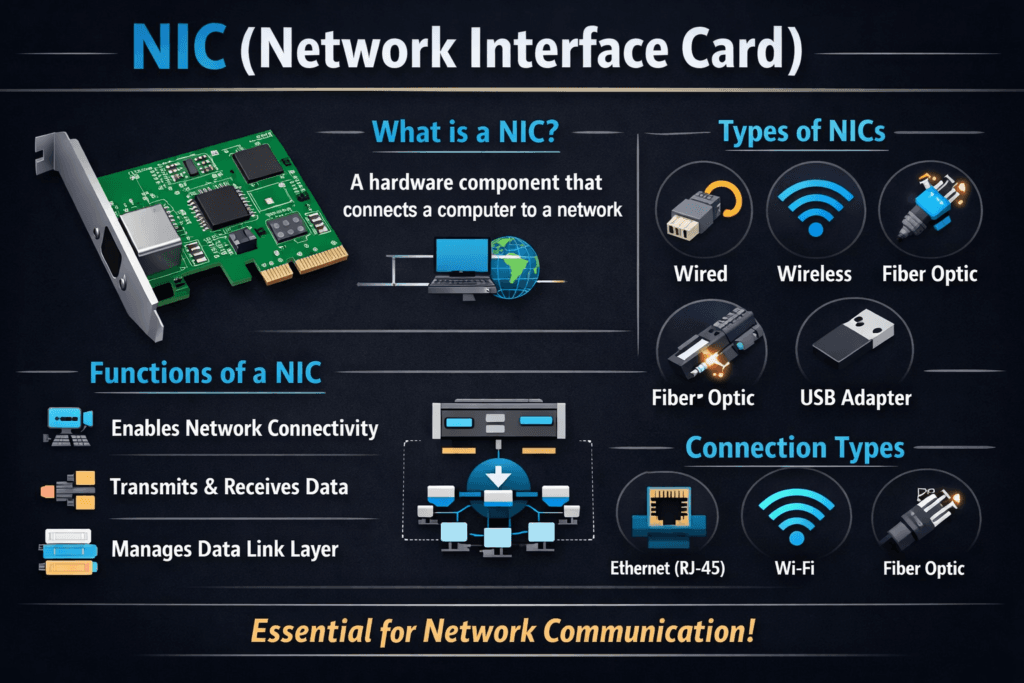
A NIC (Network Interface Card) connects a server to the network and moves packets between the wire and host memory. In storage-heavy clusters, the NIC shapes throughput, latency, and CPU load because every remote I/O depends on the network path.
For executives, NIC choices influence service SLOs, upgrade risk, and cost per workload. For platform teams, the NIC decides whether Kubernetes nodes handle bursts smoothly or collapse into tail-latency spikes.
Optimizing Network I/O Paths for Storage-Critical Workloads
Treat the NIC as part of the storage stack, not “just networking.” A strong baseline starts with clean link settings, stable MTU, correct queue tuning, and consistent interrupt handling. When these items drift across nodes, performance becomes unpredictable, and troubleshooting turns into guesswork.
Modern designs also lean on offload and user-space paths where it makes sense. Packet processing libraries such as DPDK exist because the kernel path can add overhead at high rates. The goal stays simple: move data with less CPU and less jitter.
🚀 Build NVMe/TCP Storage Networks That Keep Latency Stable
Use simplyblock to pair SPDK acceleration with QoS controls, so Kubernetes Storage stays predictable under load.
👉 Use Simplyblock for NVMe over Fabrics and SPDK →
NIC in Kubernetes Storage
Kubernetes Storage depends on a steady network path for provisioning, attaching, and serving I/O. If the NIC saturates or drops packets, the cluster can show slow pod startup, noisy retries, and uneven performance across nodes.
Multi-tenant clusters raise the stakes. One namespace can flood the network with backup traffic and push other teams into high latency. That’s why platforms pair Kubernetes Storage policy with guardrails like QoS and clear workload tiers, especially when they run Software-defined Block Storage for shared services.
NIC and NVMe/TCP
NVMe/TCP runs NVMe commands over standard TCP/IP networks, so the NIC becomes the key transport engine for storage traffic. With NVMe/TCP, you can scale disaggregated storage without RDMA-only fabrics, but you still need a well-tuned NIC path to keep tail latency stable.
Offload and queue design matter here. Receive-side scaling and multi-queue behavior can spread work across CPU cores and reduce hot spots. In busy clusters, that distribution helps keep throughput high while protecting p99 latency.
Measuring and Benchmarking NIC Impact on Storage Performance
Measure what users feel and what the platform controls. Track p95 and p99 latency, throughput, and packet drops. Add CPU cost per GB moved, because the “fast” setup that burns CPU can fail under peak load.
Benchmarking should include real cluster behavior. Run steady I/O, then add bursts that match rollouts, backups, and rebuilds. A networked storage benchmark often looks easy, but it hides congestion, queue pressure, and cross-traffic effects.
Approaches for Improving NIC Impact on Storage Performance
Use one shared playbook, and keep it easy to apply across node pools.
- Standardize MTU, link speed, and duplex settings across the nodes that carry storage traffic.
- Validate queue settings and CPU affinity so interrupts do not pile onto one core.
- Separate storage traffic from noisy traffic when the cluster runs many tenants.
- Use QoS controls so bulk jobs do not crush latency-sensitive services.
- Consider offload paths and user-space acceleration for high-rate environments.
- Verify results with the same test suite after every driver or firmware change.
Comparison of NIC Choices for Storage Networks
The table below compares common NIC feature sets and how they affect storage traffic in real clusters.
| NIC capability or design | What it improves | What to watch | Best fit |
|---|---|---|---|
| Multi-queue + RSS | Spreads packet work across cores | Bad affinity can still create hot spots | General Kubernetes nodes |
| SR-IOV | Low overhead paths for VMs or pods | Ops complexity and policy control | High-density multi-tenant nodes |
| SmartNIC / DPU offload | Less host CPU load, more isolation | Tooling and lifecycle management | Large fleets with strict SLOs |
| RDMA-capable NICs | Very low latency paths | Fabric design and tuning burden | Latency-critical, controlled fabrics |
NIC (Network Interface Card) Performance for Kubernetes Storage with Simplyblock™
Simplyblock™ aligns storage performance with network reality by pairing NVMe/TCP with a Software-defined Block Storage platform that targets consistent behavior under load. Simplyblock’s SPDK-based, user-space approach reduces copy overhead and helps keep CPU use in check when storage traffic ramps up.
This matters in Kubernetes Storage because you want repeatable results across node pools. When the NIC path stays consistent, and QoS prevents noisy neighbors, teams get fewer latency surprises during backups, rollouts, and rebuilds.
Future Directions for NIC (Network Interface Card) in Storage-Centric Clusters
NIC roadmaps keep moving toward more offload, more isolation, and cleaner fleet management. DPUs and SmartNICs shift packet work away from the host and help platforms enforce strong boundaries between tenants.
At the same time, NVMe/TCP keeps gaining ground because it scales on standard Ethernet. As that adoption grows, teams will treat NIC tuning as a core part of storage engineering, not a late-stage fix.
Related Terms
Teams often review these glossary pages alongside NIC (Network Interface Card) when they tune Kubernetes Storage and Software-defined Block Storage data paths.
Questions and Answers
In high-performance storage systems, the NIC acts as the gateway for data flow. Poor NIC performance can throttle IOPS and throughput, even with fast NVMe drives. Modern workloads rely on low-latency, high-bandwidth NICs to fully leverage protocols like NVMe over TCP.
NIC bandwidth directly affects storage throughput and tail latency. Upgrading from 1GbE to 25GbE or 100GbE NICs is essential for workloads like analytics or databases on Kubernetes, where every microsecond counts.
No specialized hardware is required for NVMe over TCP; it works seamlessly over standard Ethernet NICs. This makes it more accessible and cost-effective than alternatives like NVMe/RDMA, which depend on RDMA-capable adapters.
While a NIC handles basic network traffic, a SmartNIC can offload advanced tasks like encryption, traffic shaping, and storage I/O. For environments like Kubernetes storage with NVMe, SmartNICs can improve efficiency and lower CPU usage.
Select a NIC with at least 25GbE bandwidth, low latency, and compatibility with your chosen storage protocol. For software-defined storage, ensure kernel driver support and test end-to-end performance to avoid bottlenecks.