Storage Affinity in Kubernetes
Terms related to simplyblock
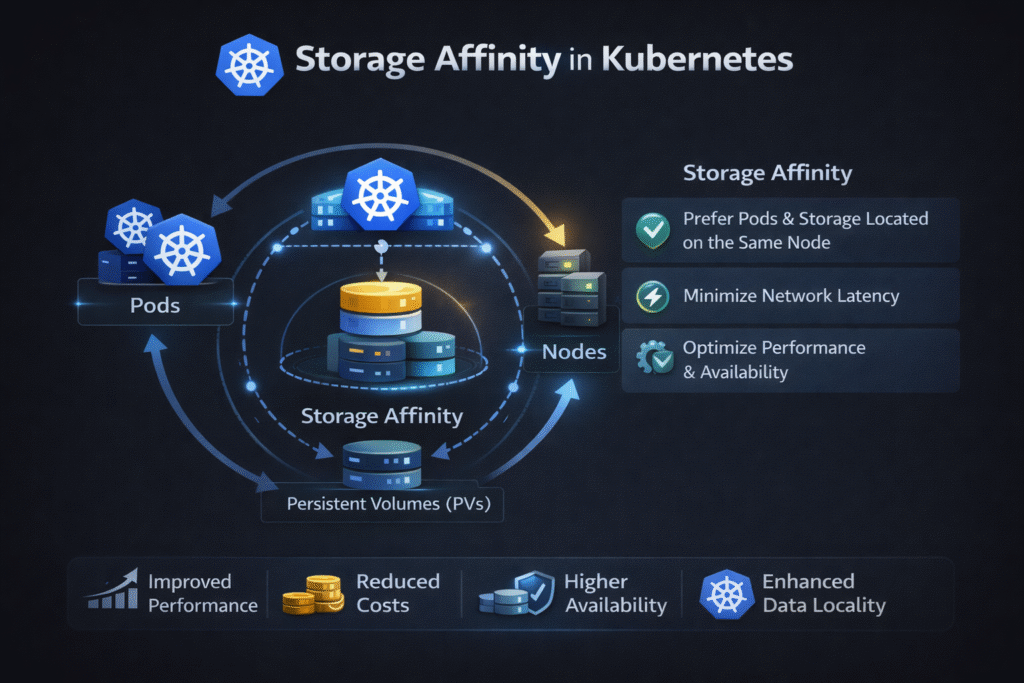
Storage affinity in Kubernetes means the rules that keep Pods and their volumes in compatible locations—often the same node or the same zone—so mounts succeed and latency stays steady. It becomes critical when you use local disks, zonal block volumes, or any setup where “where the Pod runs” must match “where the data lives.”
When teams ignore affinity, they see two common failures: Pods sit in Pending because no eligible nodes exist, or the platform reschedules compute in a way that breaks volume attach rules.
Why Pod Placement Rules Make or Break Stateful Reliability
Affinity is not just a scheduler feature—it’s a reliability guardrail for stateful apps. Tight rules can protect performance, but they can also reduce failover options during drains, upgrades, or node loss.
Most clusters deal with two constraint sources at once – Pod scheduling constraints (where Kubernetes wants to run the Pod) and volume constraints (where the volume can attach). When those constraints disagree, recovery gets slow and noisy.
A practical way to avoid that mismatch is to delay volume binding until Kubernetes picks a node. Topology-aware provisioning and “wait for first consumer” patterns help the volume land where the Pod will run.
🚀 Reduce Storage Affinity Risks, Natively in Kubernetes
Use Simplyblock to provision NVMe/TCP volumes through CSI with topology-aware placement—so StatefulSets reschedule cleanly during drains and failures.
👉 Use Simplyblock for NVMe/TCP Kubernetes Storage →
Storage Affinity in Kubernetes Storage Scheduling
Storage affinity shows up through PV/PVC binding and StorageClass behavior. A PVC states what the workload needs, and the StorageClass tells the system how to provision it. Dynamic provisioning then creates a matching volume automatically, which cuts manual steps and reduces drift.
Local NVMe highlights the tradeoff clearly: it can deliver very low latency, but it also ties data to a specific node. That coupling helps performance, yet it raises the bar for clean reschedules during drains.
Storage Affinity in Kubernetes with NVMe/TCP Data Paths
NVMe/TCP can reduce how often you need hard node pinning. Instead of locking a workload to one box for storage, you can serve NVMe-style block storage over Ethernet and keep placement more flexible.
You still need topology awareness. If the platform provisions volumes far from the workload (wrong zone, wrong failure domain), you pay in jitter and slower recovery. A good design keeps the data path fast while letting StatefulSets move when the cluster changes.
How to Measure Whether Affinity Helps or Hurts
Don’t stop at “it’s scheduled.” Measure outcomes that match real incidents:
Track reschedule time after drains, count how often Pods get stuck Pending Due to volume constraints, and compare p95/p99 latency before and after a move. Also, watch what happens during rebuilds and snapshots, because those background flows often expose weak placement rules.
Run one clean test and one mixed test. In the mixed test, trigger a drain or reschedule while a steady workload runs. This approach shows you whether affinity rules keep performance stable under real change.
Practical Ways to Improve Storage Affinity in Kubernetes
- Label nodes and zones cleanly (and keep labels consistent across node pools) so the scheduler has reliable signals.
- Use topology-aware provisioning so volumes follow scheduler intent instead of forcing late-stage fixes.
- Start with preferred rules, then tighten to required only when the workload truly needs it.
- Reserve strict node-local rules for true local-disk needs, and keep general stateful apps more flexible.
- Treat StorageClasses as contracts (fast/hot vs general vs low-cost), so teams stop inventing one-off placement hacks.
- Re-test after CSI updates, node pool changes, or network changes, because placement behavior and tail latency can shift.
Affinity Patterns Compared Across Real Kubernetes Deployments
This comparison summarizes the most common ways teams pair Pods with the right volumes across nodes and zones. It also highlights the practical tradeoff between ultra-low latency and clean rescheduling during drains and failures.
| Pattern | What enforces the constraint | What you gain | What you risk |
|---|---|---|---|
| Local PV on node NVMe | PV/node affinity | Lowest latency | Hard coupling to node drains and node loss |
| Zonal cloud volume | Zone topology constraint | Simple scaling within one zone | Reschedules fail if Pods land in the wrong zone |
| Software-defined block over NVMe/TCP | CSI topology + storage control plane | Fewer hard node pins, smoother reschedules | Needs good defaults and guardrails |
Storage Affinity in Kubernetes Without Node Lock-In with Simplyblock
Simplyblock provides NVMe/TCP-based Kubernetes storage through CSI and manages persistent volumes across your cluster, which helps teams keep performance high without locking every workload to one node.
That model fits well when you want two things at once – stable latency for stateful apps and smoother reschedules during drains and failures.
Next Moves for Smarter Placement Without Over-Pinning
Start by splitting workloads into two buckets – those that truly need node-local disks and those that mainly need predictable latency. Then align node labels, StorageClasses, and topology-aware provisioning to match that intent. You’ll reduce Pending surprises and make upgrades far less stressful.
Next, review how each bucket behaves during a node drain: aim for smooth recovery without loosening placement so much that latency becomes unpredictable. Finally, run a mixed test (steady app load plus a drain or reschedule) to confirm p95/p99 stays stable before you roll the policy out across the cluster.
Related Terms
Teams often review these glossary pages alongside Storage Affinity in Kubernetes when they tune placement, binding, and reschedule behavior.
- Local Node Affinity
- Dynamic Provisioning in Kubernetes
- Kubernetes StatefulSet
- Block Storage CSI
- Node Taint Toleration and Storage Scheduling
Questions and Answers
Storage affinity ensures that pods are scheduled close to the storage they need, reducing latency and improving performance. It’s especially useful for stateful Kubernetes workloads that rely on fast, consistent access to persistent volumes.
Kubernetes uses node selectors, topology-aware scheduling, and CSI topology hints to align pods with storage locations. This guarantees optimal placement of persistent volumes for performance and fault tolerance.
Yes. While NVMe over TCP enables remote storage access, affinity policies still improve performance by reducing unnecessary network hops, helping maintain low-latency paths between pods and volumes.
Node affinity places pods based on compute needs, while storage affinity aligns them with data. Together, they ensure workload efficiency and balanced infrastructure—especially in software-defined storage setups.
Yes, by minimizing cross-zone data transfers and improving resource utilization, storage affinity supports cloud cost optimization, especially in multi-zone or multi-cloud deployments.